 Coming soon
Cleaning invoice app
Clock each clean against its client, at that client’s own rate. See your week day by day, then put the waiting hours on an invoice in two taps and send the PDF.
Everything in Tuxly
On the way to the App Store
How it works
A cleaner’s week in Tuxly.
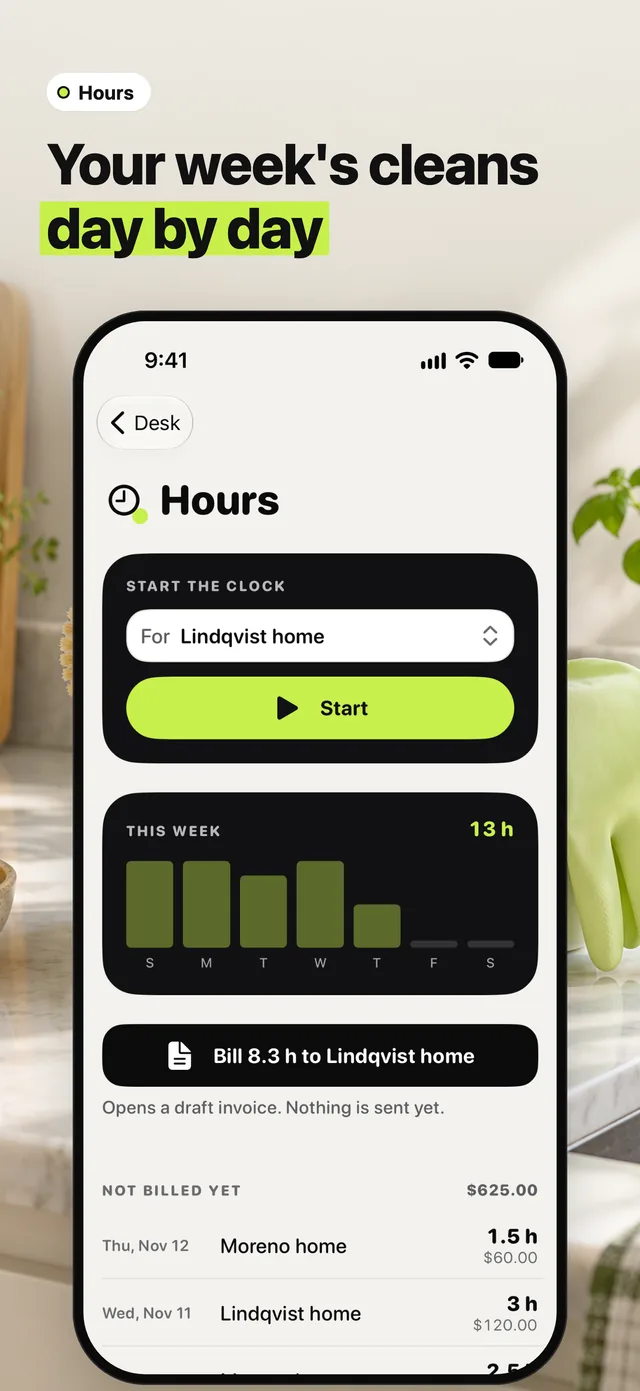
01Your week’s cleans, day by day
This week shows your hours day by day. Below it, every clean you haven’t billed yet, with its home, date and hours.
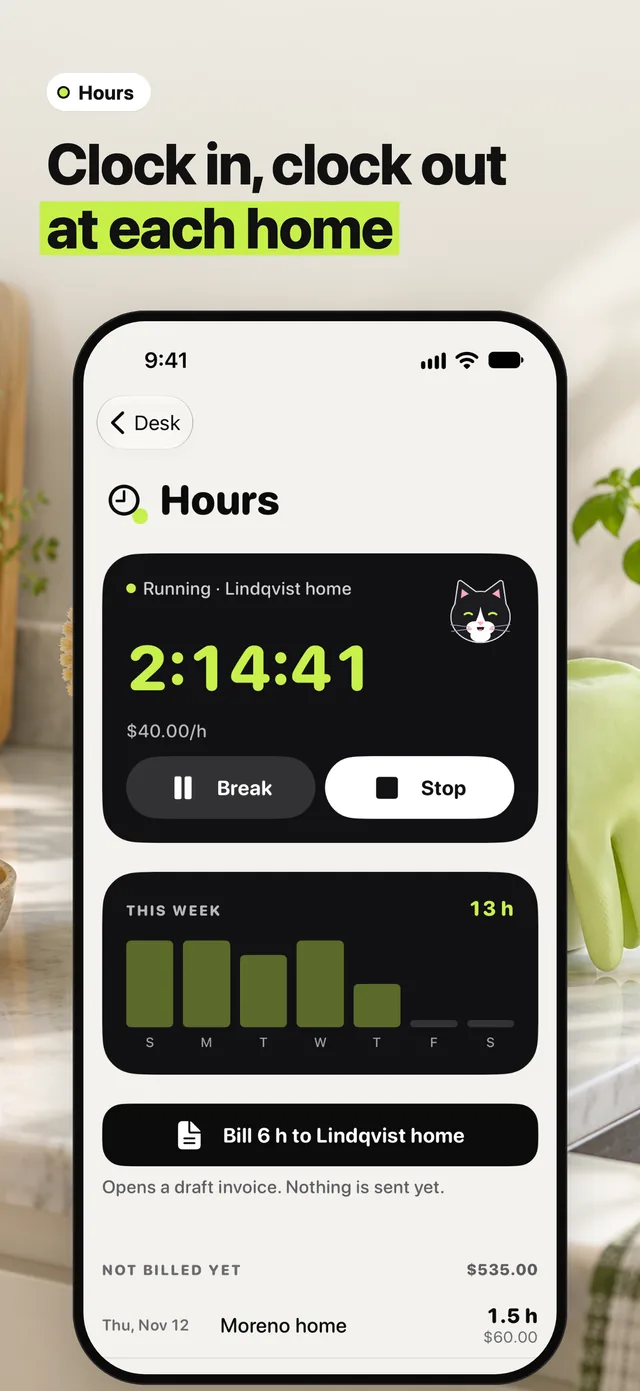
02Clock in, clock out at each home
Pick the home and tap Start when you walk in. Break pauses the clock, Stop ends the clean. Each home keeps its own hourly rate.
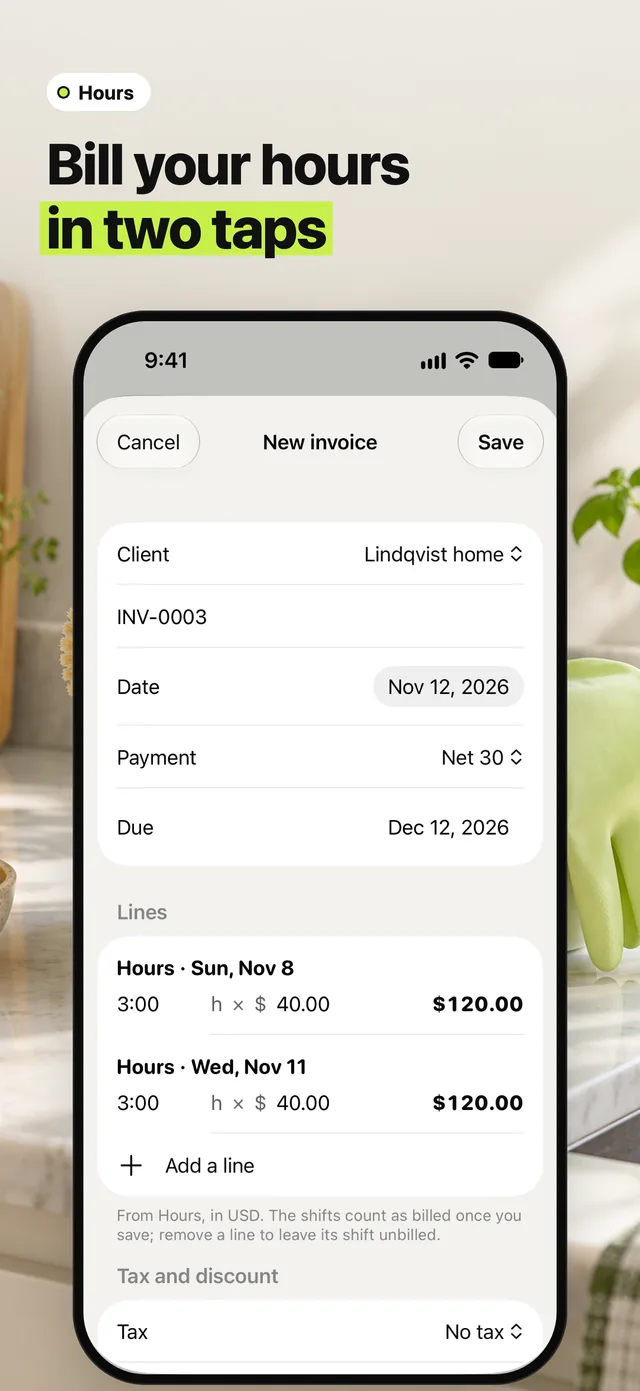
03Bill your hours in two taps
Tap Bill to the home and the waiting cleans become lines on a new invoice, each with its day and hours. Nothing is sent until you send the PDF.