 Coming soon
Food truck receipt app
Snap supplier receipts and Tuxly reads the shop, date and total for you to check. Count the cash tin and close the day. Get a reminder when the truck’s service is due.
Everything in Tuxly
On the way to the App Store
How it works
A food truck’s week in Tuxly.
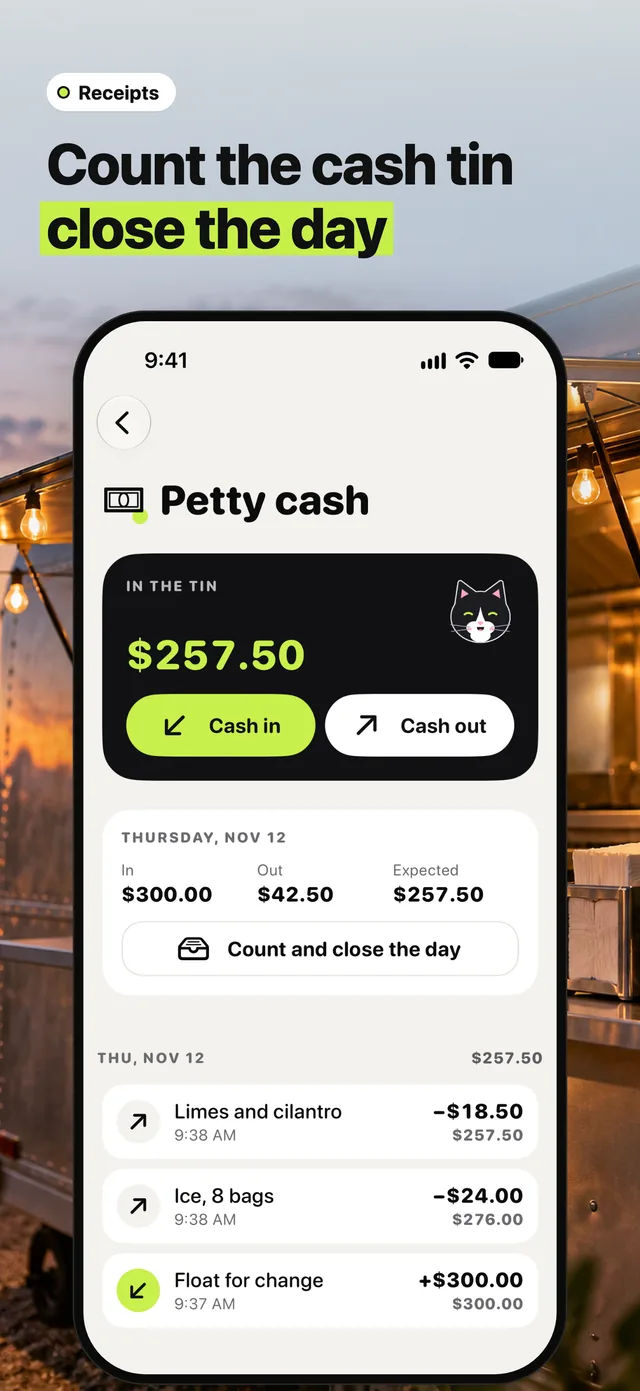
01Count the cash tin, close the day
Put the float in the tin with Cash in, and note every run for ice or limes with Cash out. The day shows what went in, what went out and what should be left. At closing, count the tin and Tuxly tells you if you’re over or short.
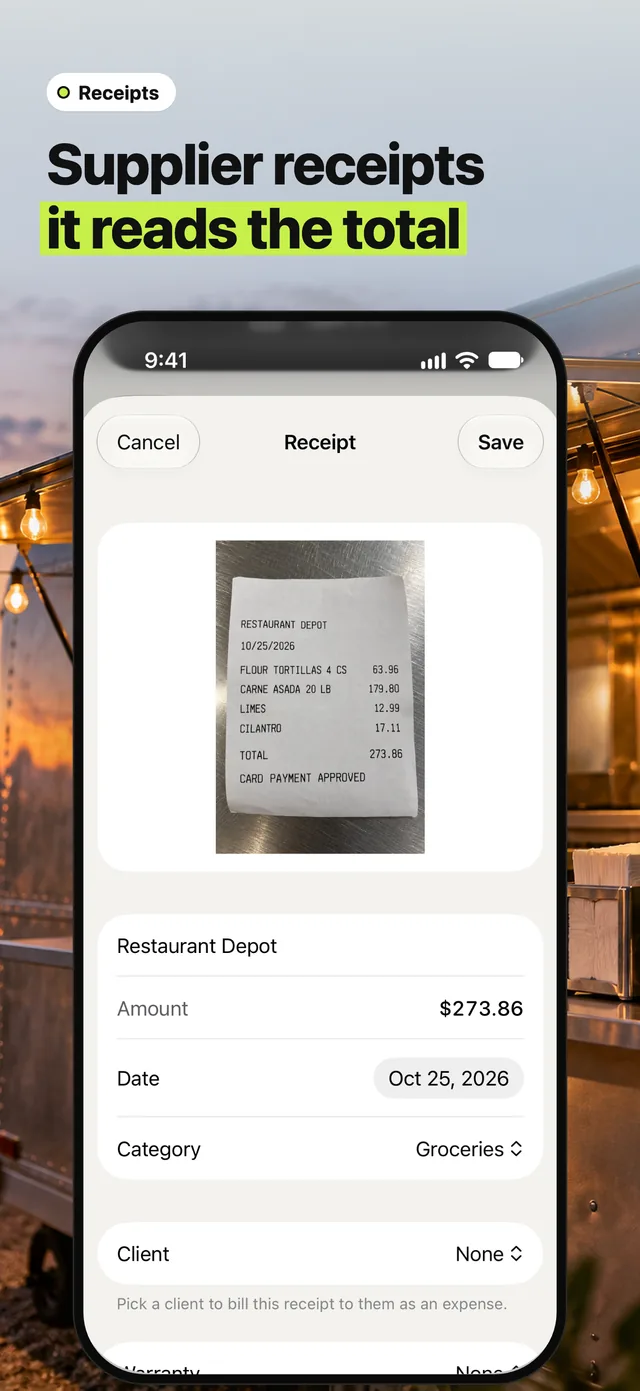
02Supplier receipts, read for you
Scan the supplier’s receipt and Tuxly reads the shop, date and total for you to check before you save it.
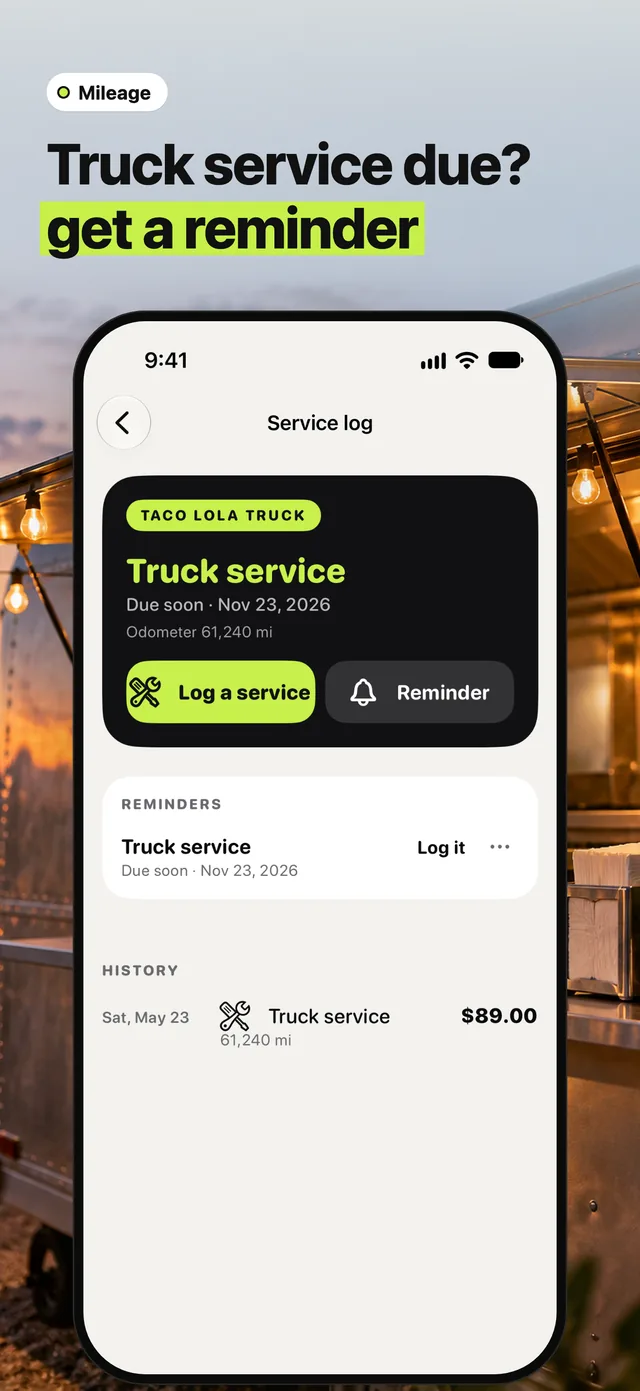
03Truck service due? Get a reminder
The service log keeps the truck’s services with the odometer. Set a reminder and Tuxly tells you on the day it’s due. Log it when it’s done.