 Coming soon
Freelancer invoice app
Track time per client, at each client’s own rate and currency. Put the hours on an invoice in two taps, send the PDF, and see what’s still waiting to be paid.
Everything in Tuxly
On the way to the App Store
How it works
A freelancer’s week in Tuxly.
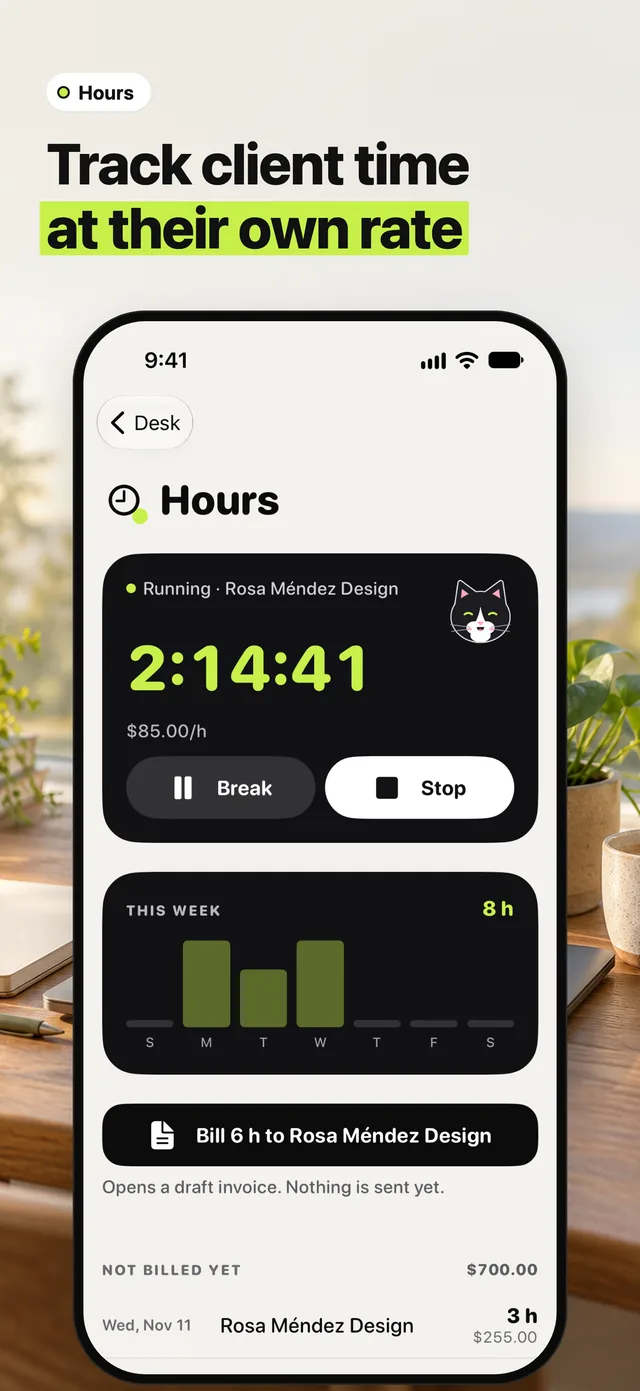
01Track client time
Start the clock for the client you’re working for. Break pauses it, Stop ends it, and the week adds up day by day. Each client keeps their own hourly rate and currency.
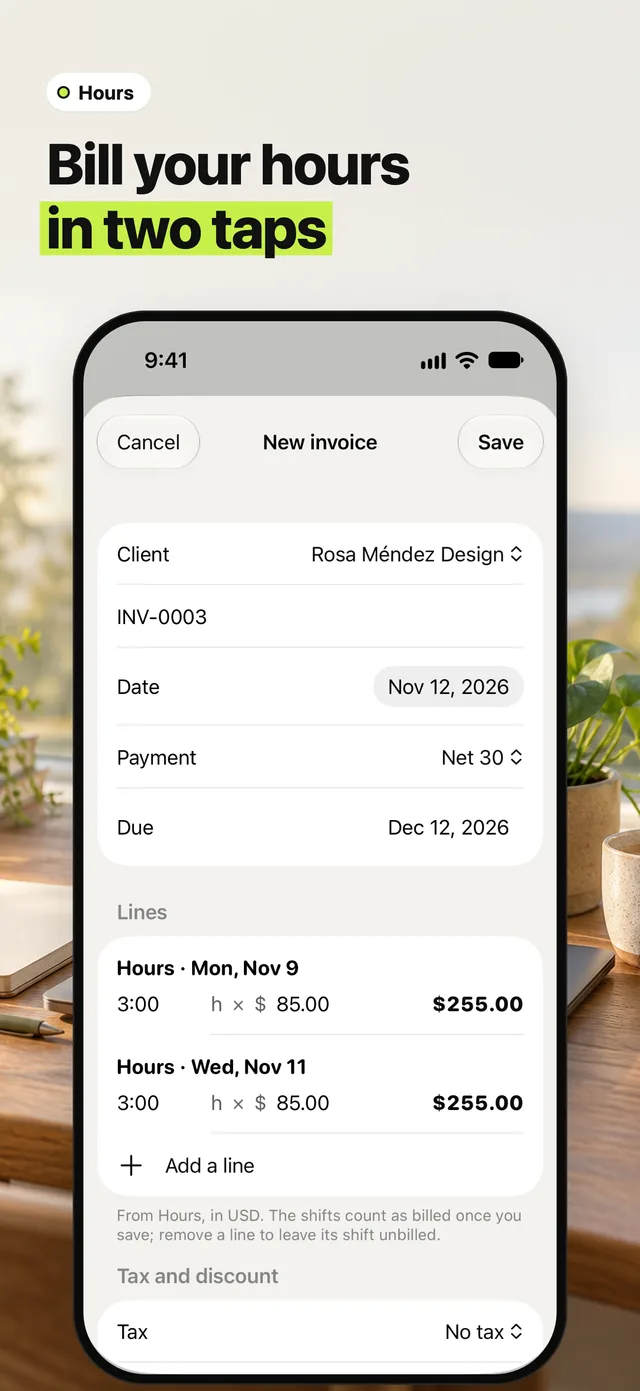
02Bill your hours in two taps
Tap Bill to the client and the hours waiting become lines on a draft invoice, one per day. They count as billed once you save; remove a line to leave it for later.
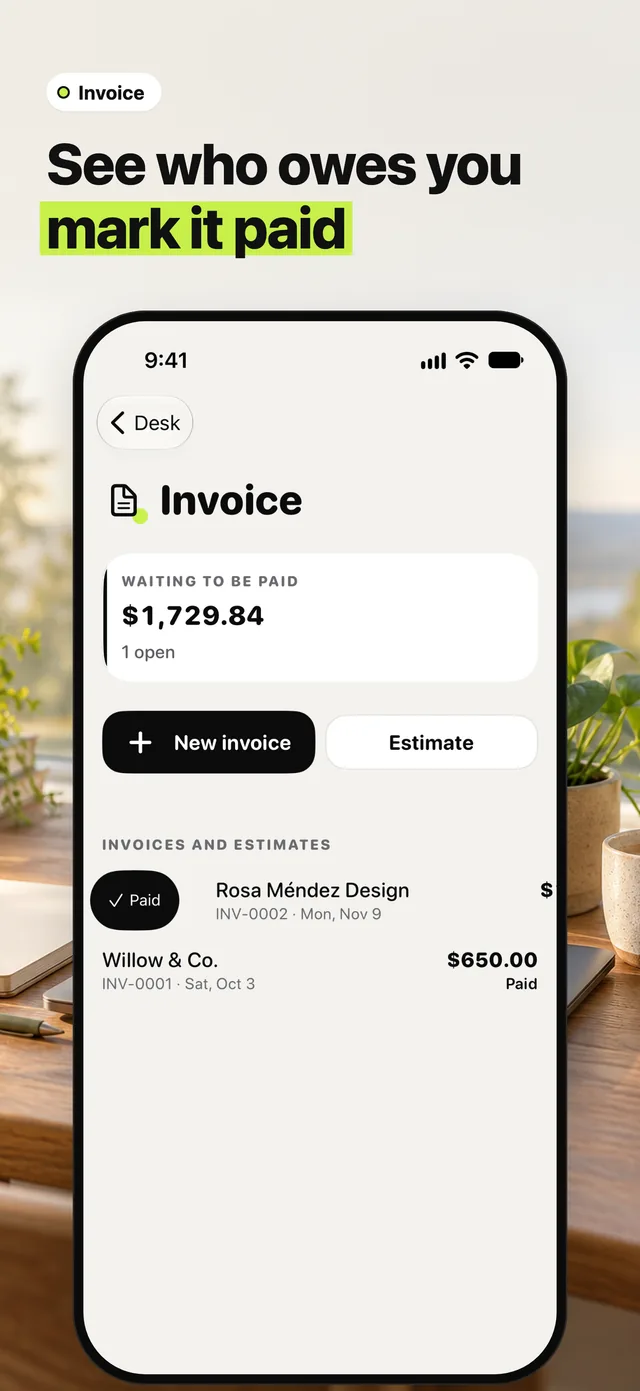
03See what’s still waiting to be paid
Open invoices add up under Waiting to be paid. When the money comes in, swipe the invoice and tap Paid.